Adobe Lightroom provides a range of tools that are customised to the contemporary photographer’s needs. Lightroom encompasses much, if not all, of the resources you will most definitely need for image editing.
Lightroom, though, is much more than a photo editor or app for image editing. Lightroom allows you to download, handle, arrange and locate your images. In effect, Lightroom, combined into a single application, is media processing and photo editing.
When you capture raw images, first import your pictures into Lightroom as the initial step in your image management method. Lightroom is a raw file editor, so Adobe Camera Raw is not required. Even, as you import, you’ll be arranging your digital photography because of Lightroom’s photo management capability.
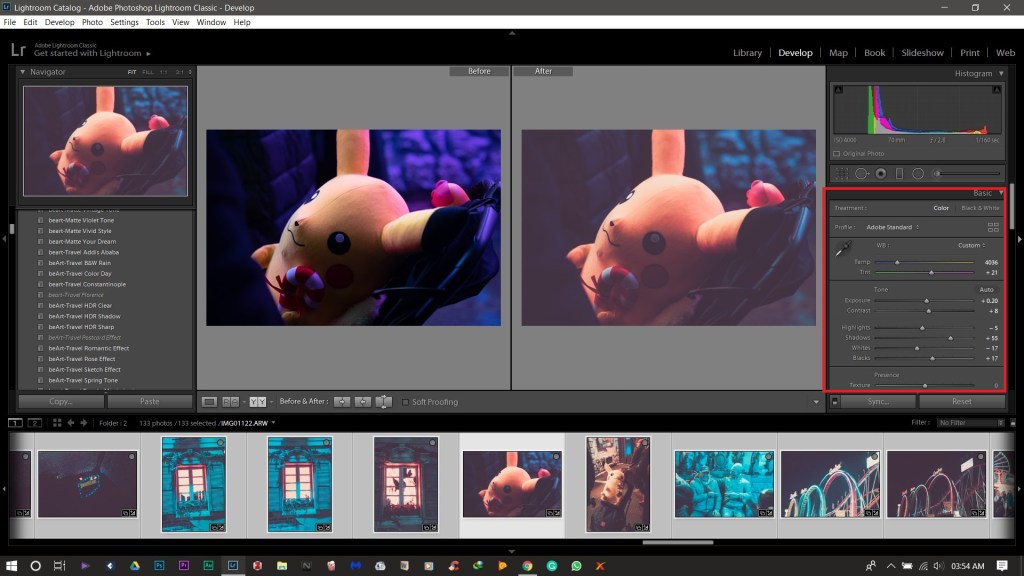
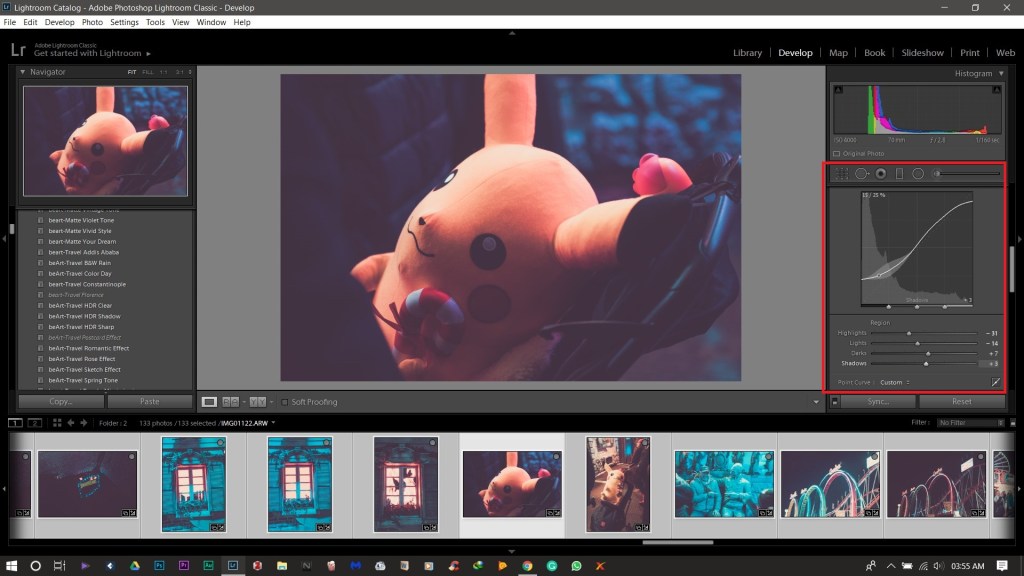
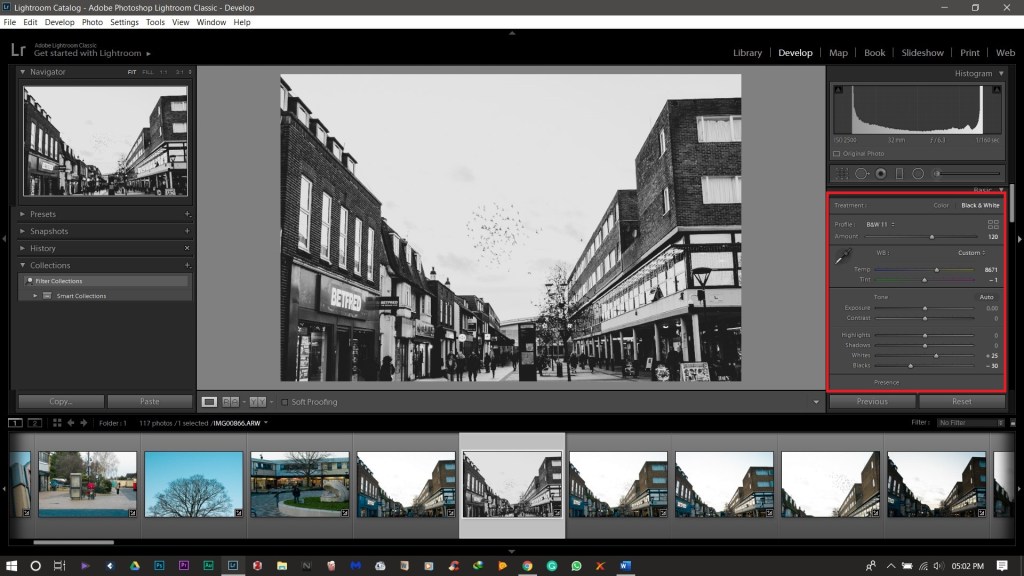
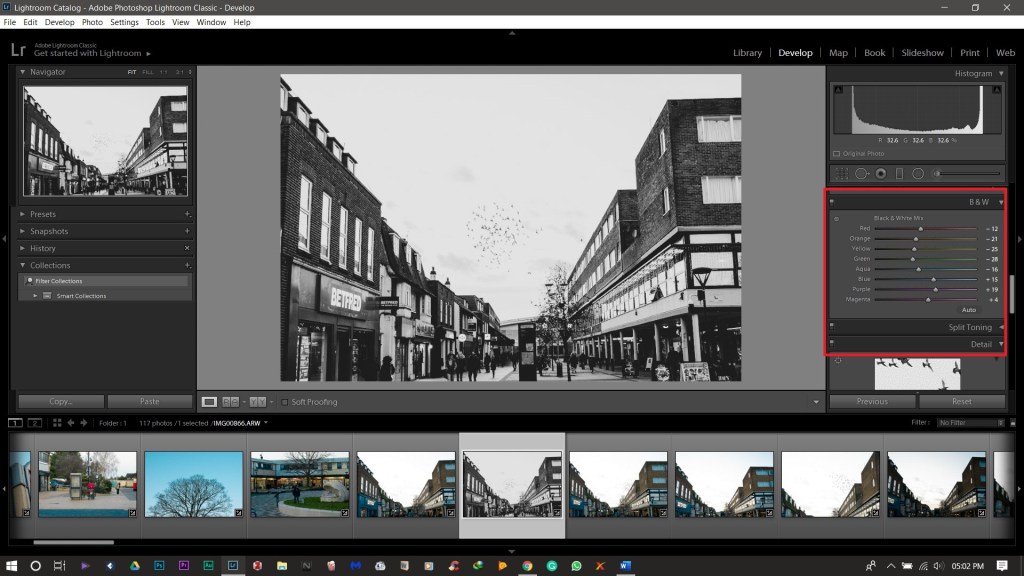
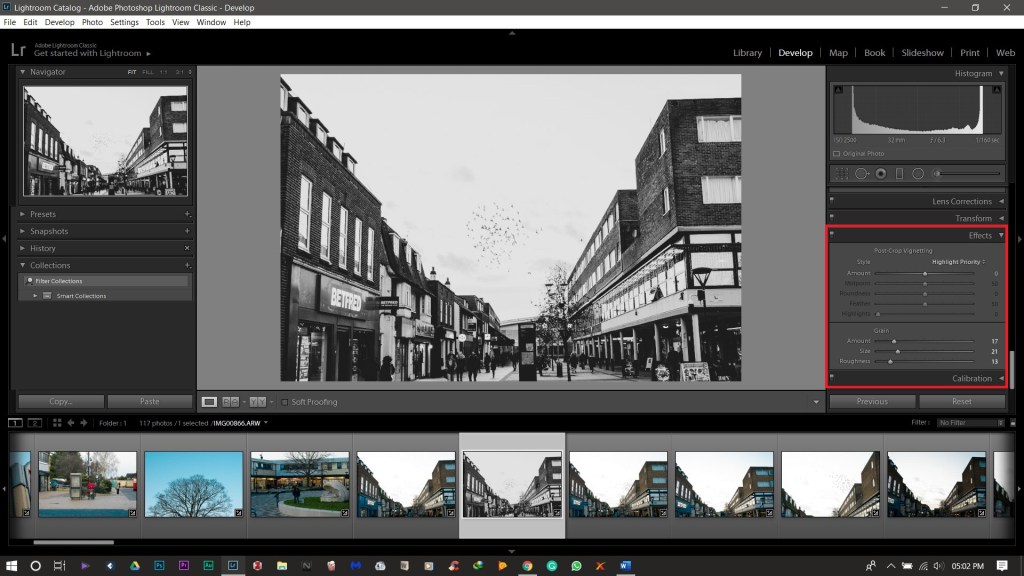
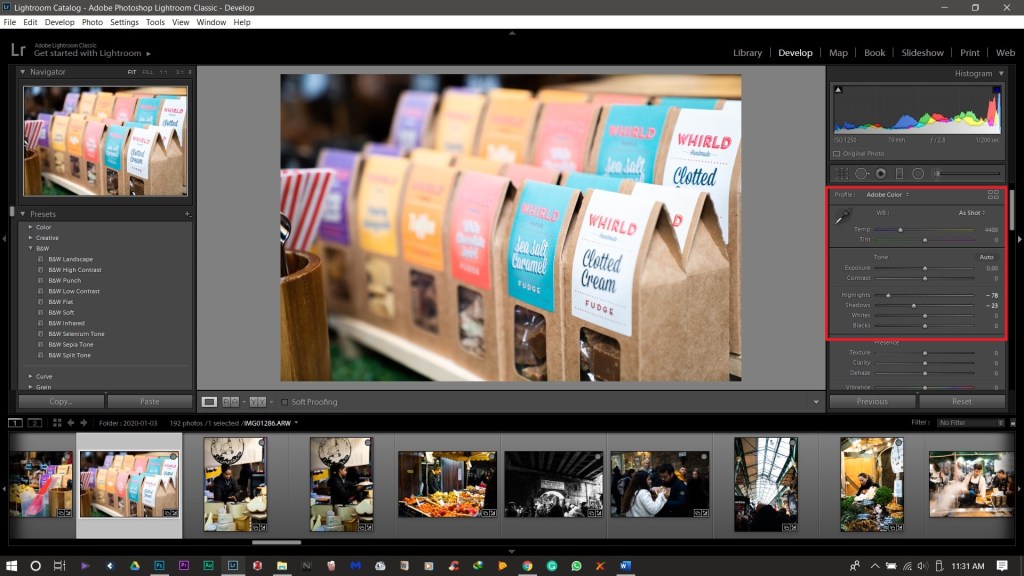
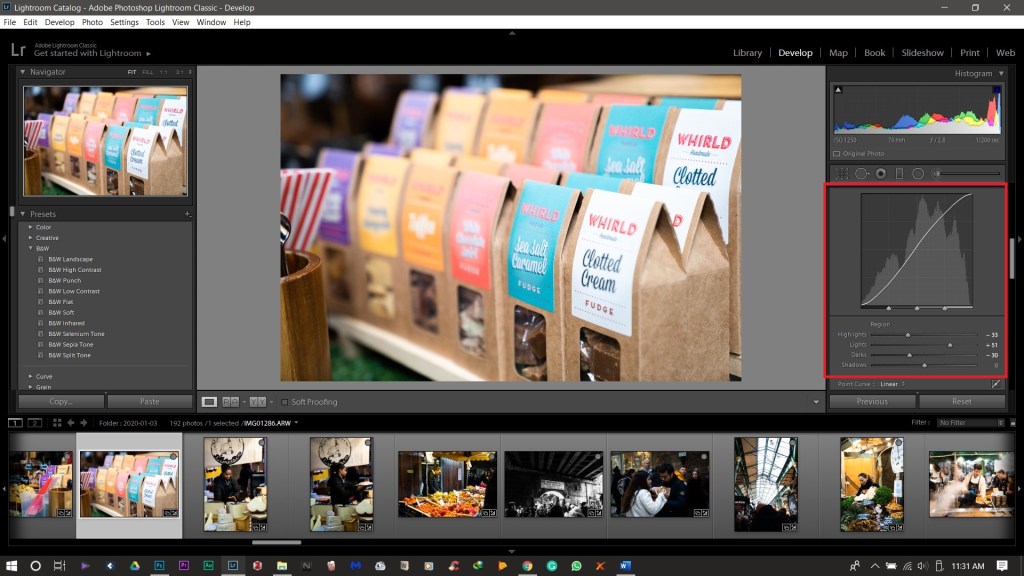
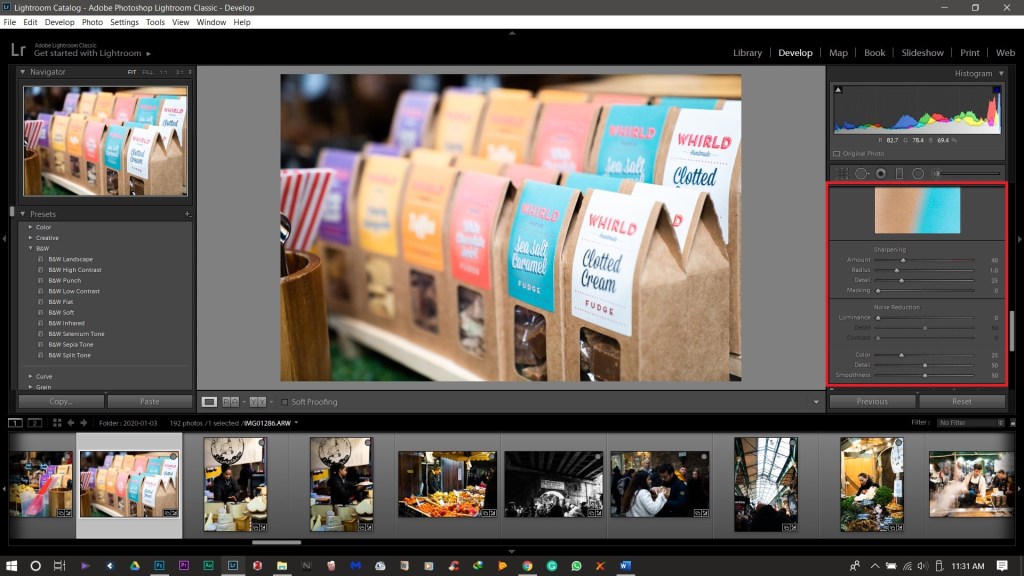
Lightroom is ideal for most simple photo editing, including cropping, white balance, composition, histogram changes, colour curves, black and white transfer, spot replacement, red eye corrections, gradients, contextual improvements, sharpening, noise reduction, lens profile corrections, distortion, and saturation. If you’re comfortable with Adobe Camera Raw, it will look very familiar to develop a photo in Lightroom.
 Allaboutphoto