Editing in VSCO X
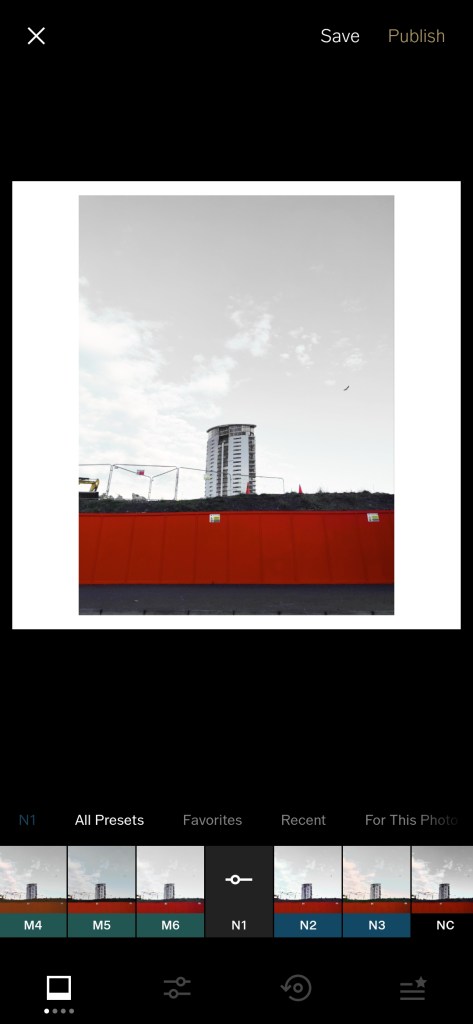
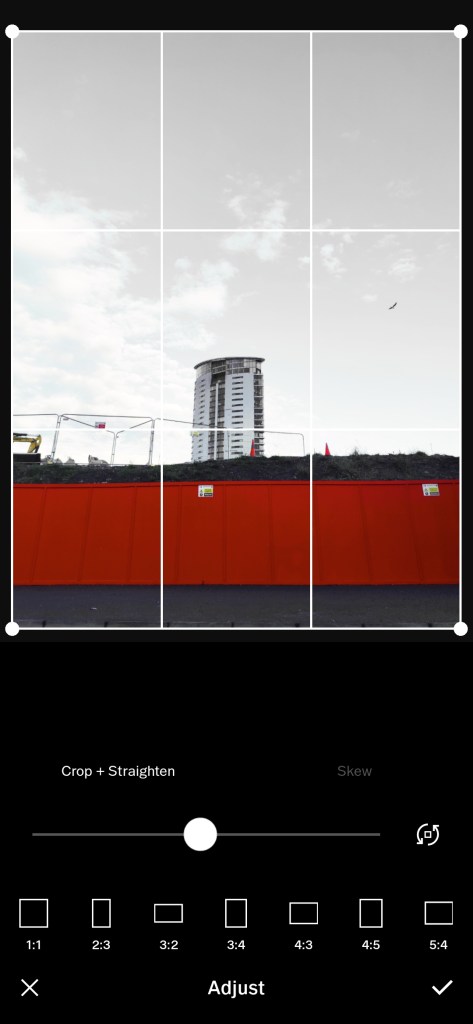
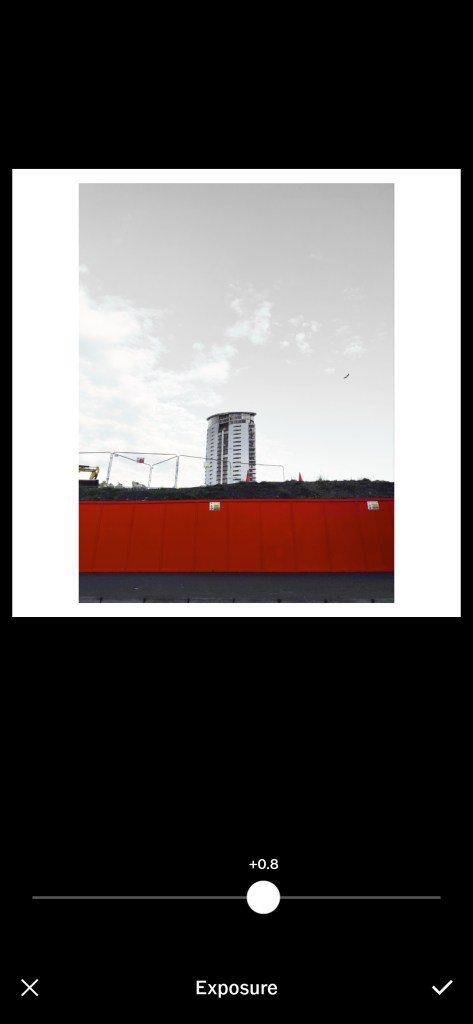
It’s straightforward to work with filters. In the gallery, there’s a preview on the selected photo of what that filter option looks like, along with a shortened version of the filter name. Tapping the filter applies the effect to the image while taping shows more options again. From here the filter intensity and warmth can be modified.
Yet actual film responds differently to various scene situations, such as the colour temperature of the lighting. On the other hand, a digital photograph can be balanced white for different conditions and digital filters are more uniform in the adjustments from one image to the next.
 Allaboutphoto